What our partners say about us
You are likely to be 100% satisfied with the work, with a score of 5.0 being our average.
AI for UX/UI designers is transforming the way digital products are created by automating research, generating interfaces, and improving user experience workflows.
As part of the activities of Revend Group, a presentation titled “AI Technologies for UX/UI Designers” was held. This article presents the key insights gathered during the presentation.
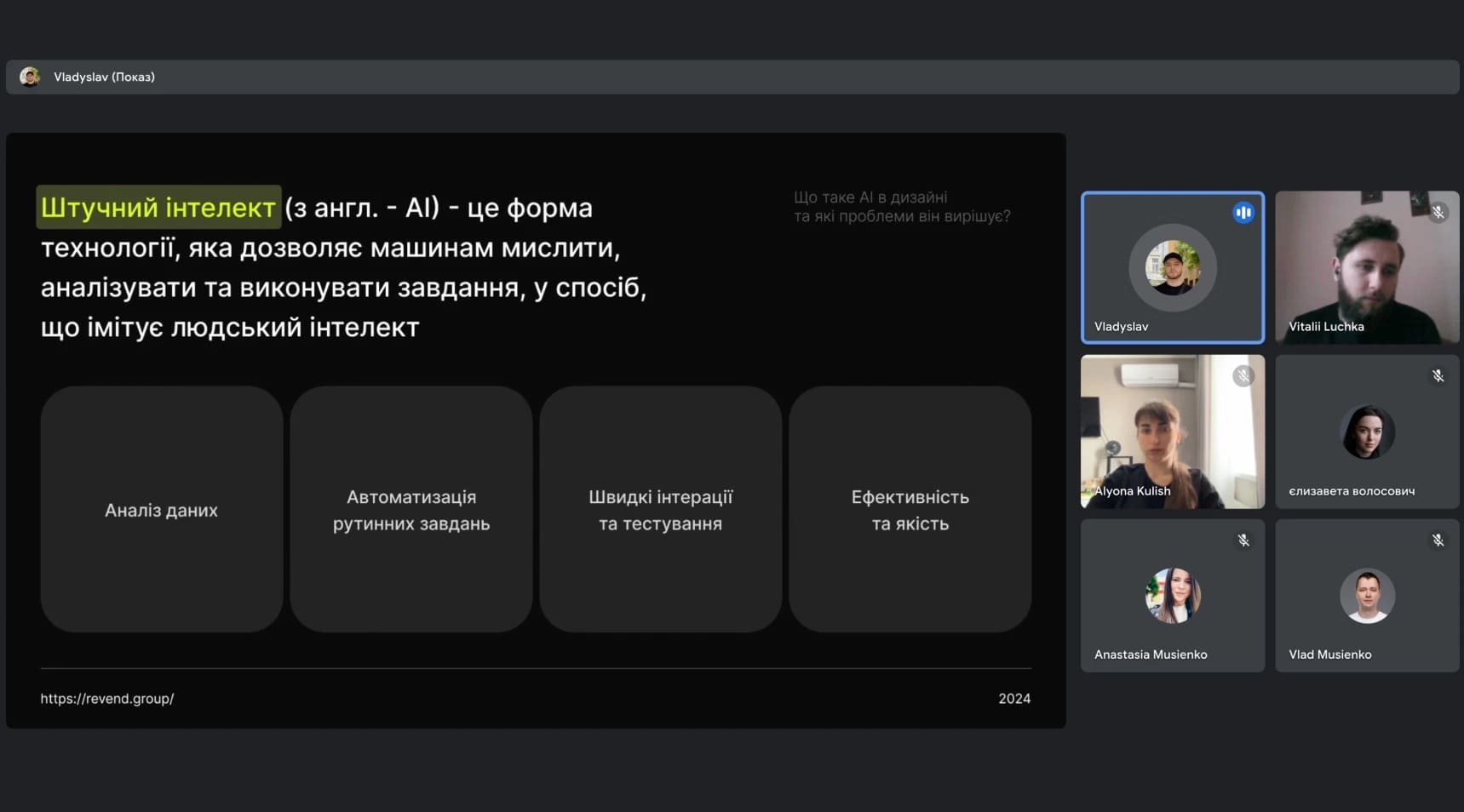
Artificial Intelligence (AI): is a form of technology that allows machines to think, analyze, and perform tasks in a way that imitates human intelligence.
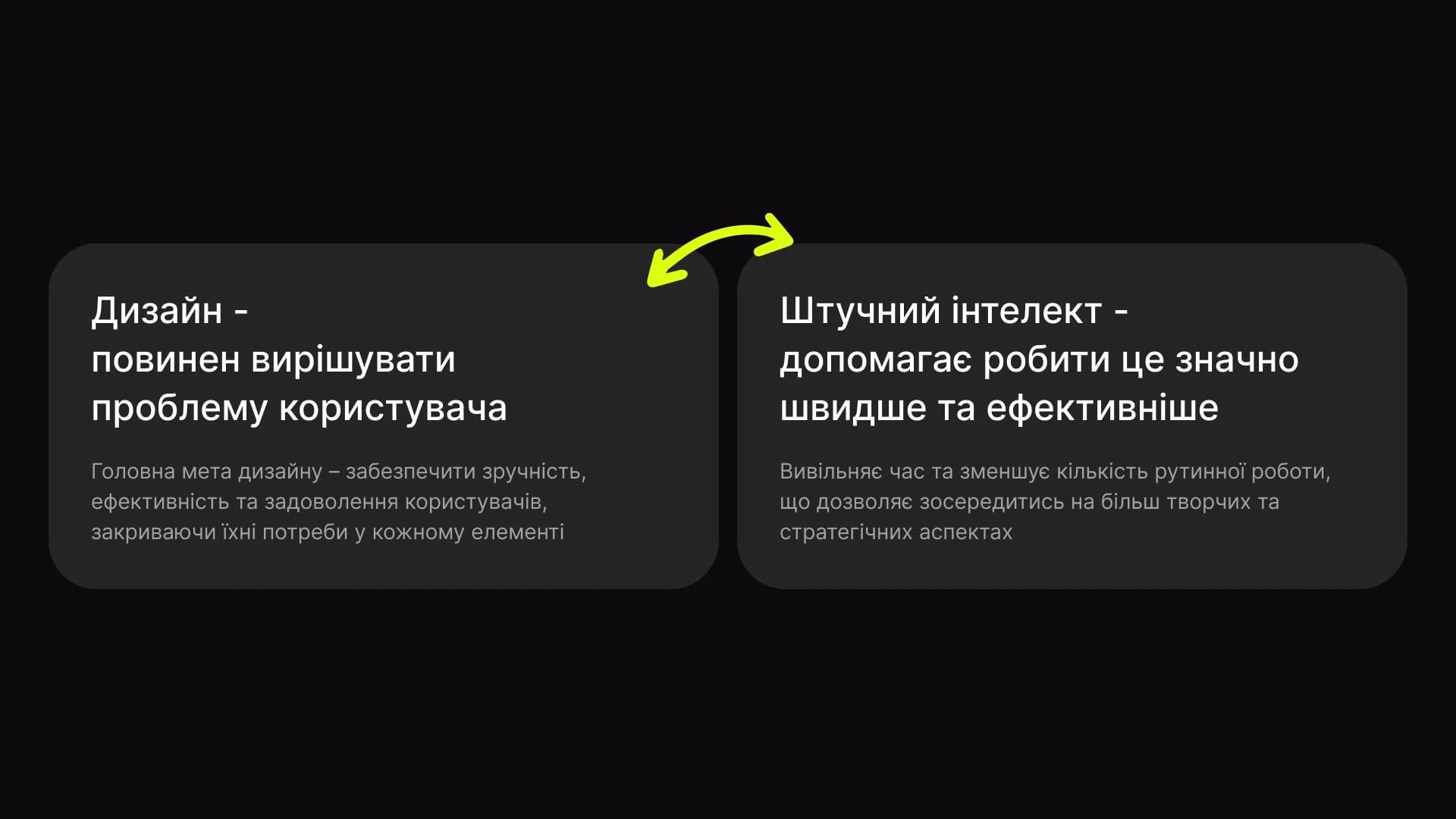
Design should solve user problems. The main goal of design is to ensure usability, efficiency, and user satisfaction by addressing user needs in every element.
Artificial intelligence helps achieve this much faster and more efficiently by freeing up time and reducing the amount of routine work. This allows designers to focus on more creative and strategic aspects.
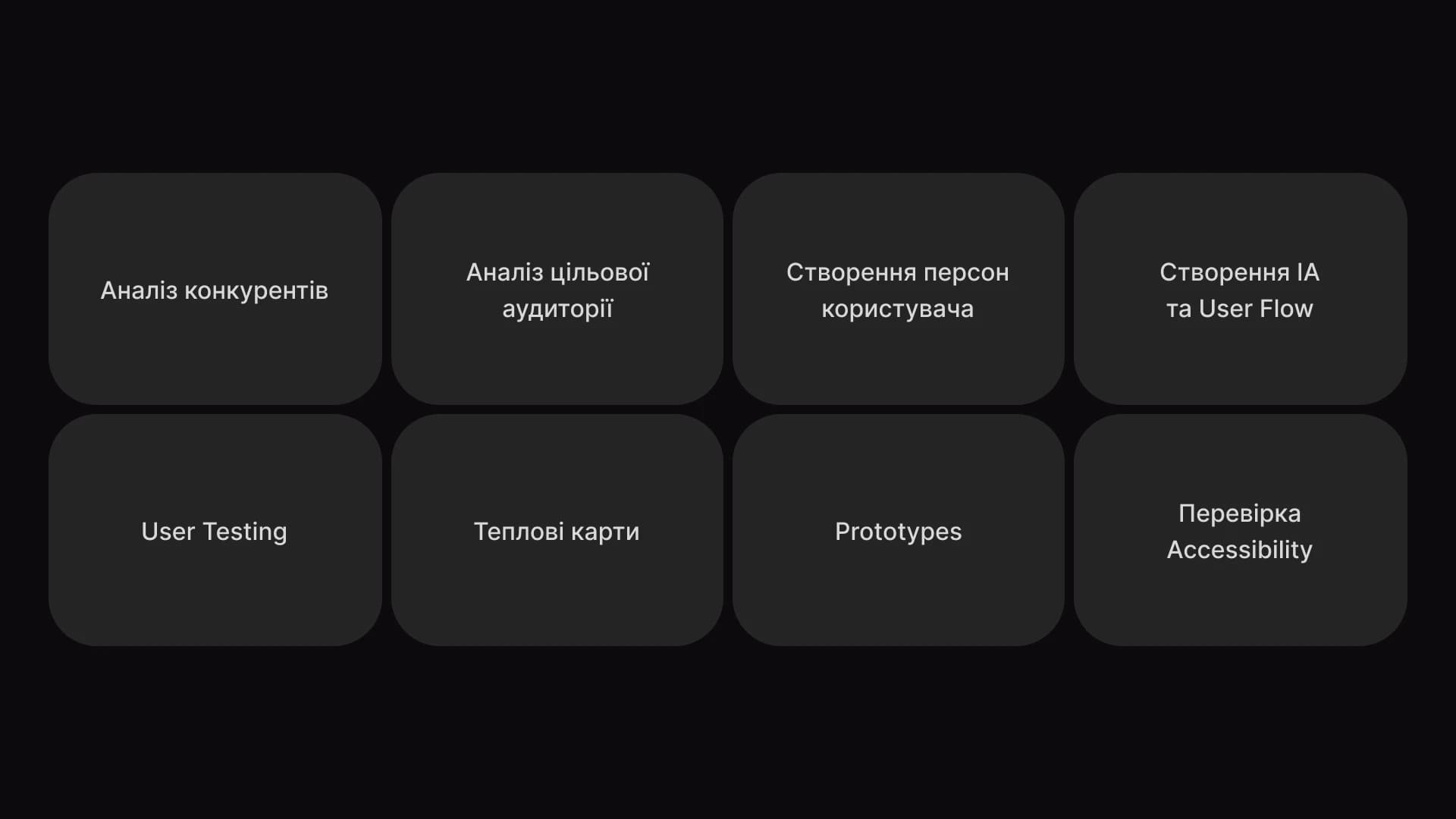
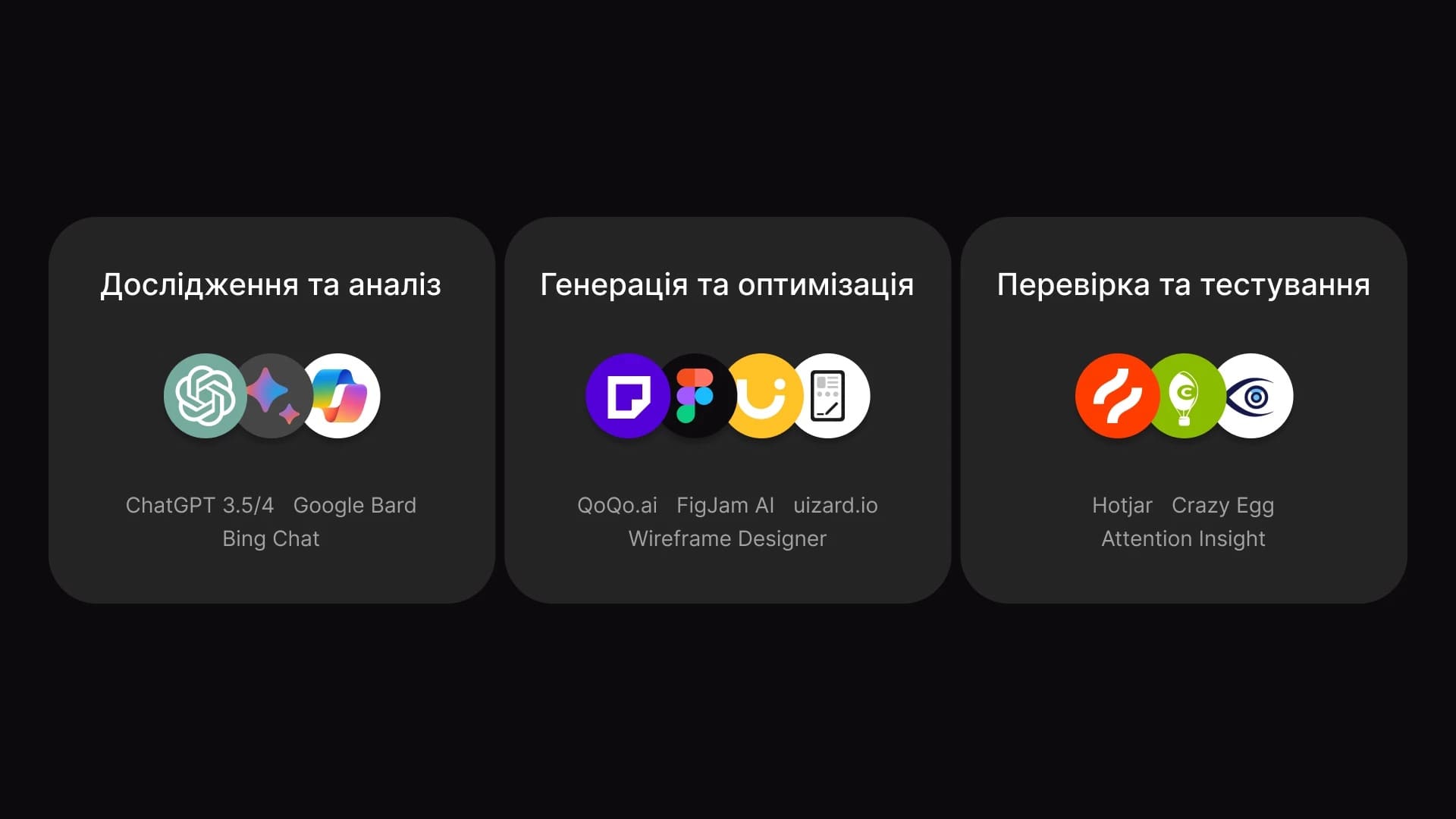
These AI tools can analyze large amounts of data related to user behavior on websites or applications, identify patterns, and predict how users may interact in the future. This significantly simplifies the process of competitor analysis, target audience research, and persona creation for UX designers.
However, the key requirement is a well-written prompt. The more input data the AI has to rely on, the higher quality and more accurate the result will be.
AI plays a key role in improving the workflow at the UX research stage by helping efficiently organize processes—from building information architecture and detailed user profiles and sitemaps to automated generation and implementation of solutions in user flows and prototypes.
As a result of using these tools, designers can not only optimize their time but also avoid common mistakes during the “research and analytical” phase.
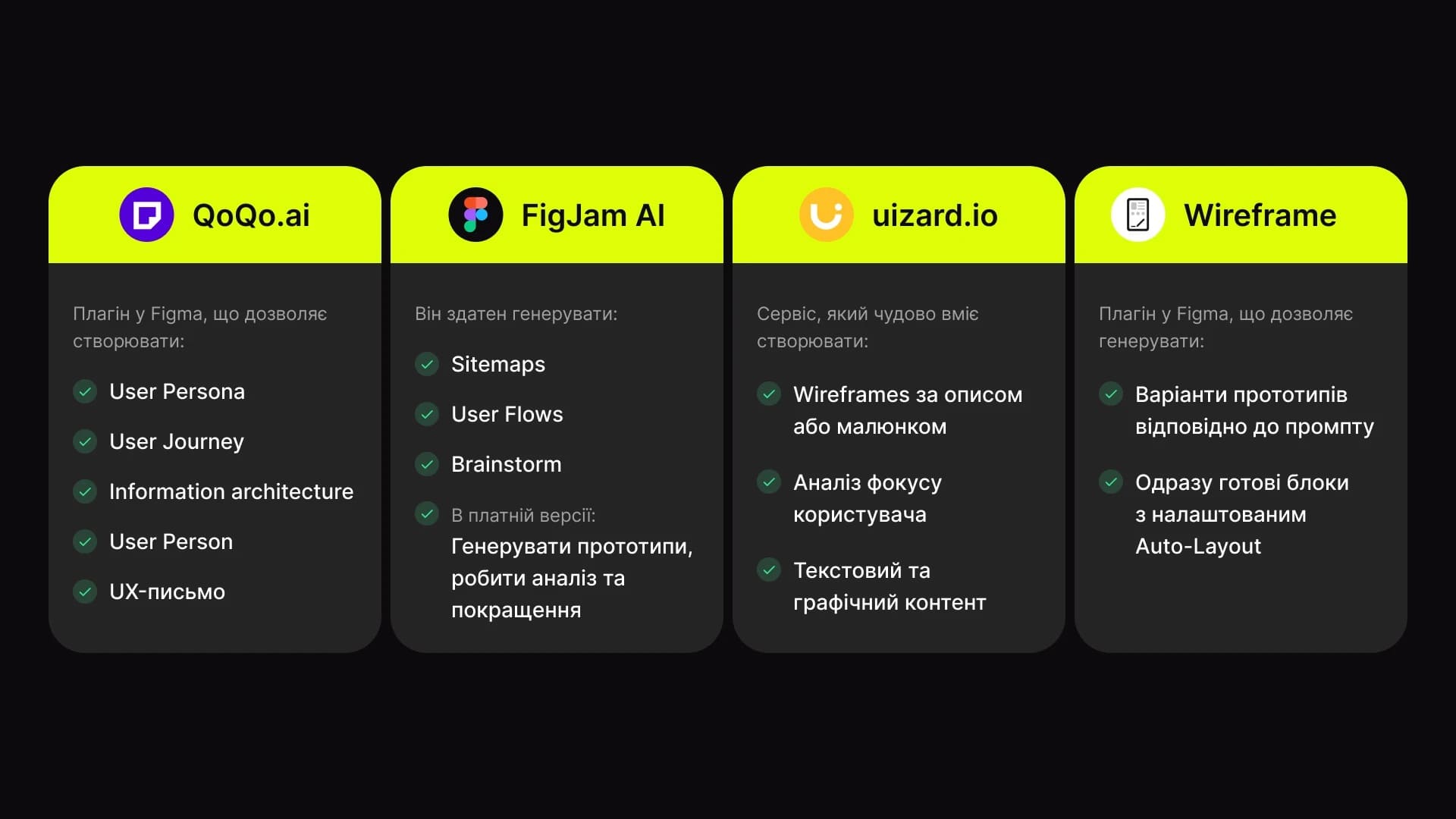
These are powerful tools specifically designed for UX designers to improve the quality and effectiveness of projects.
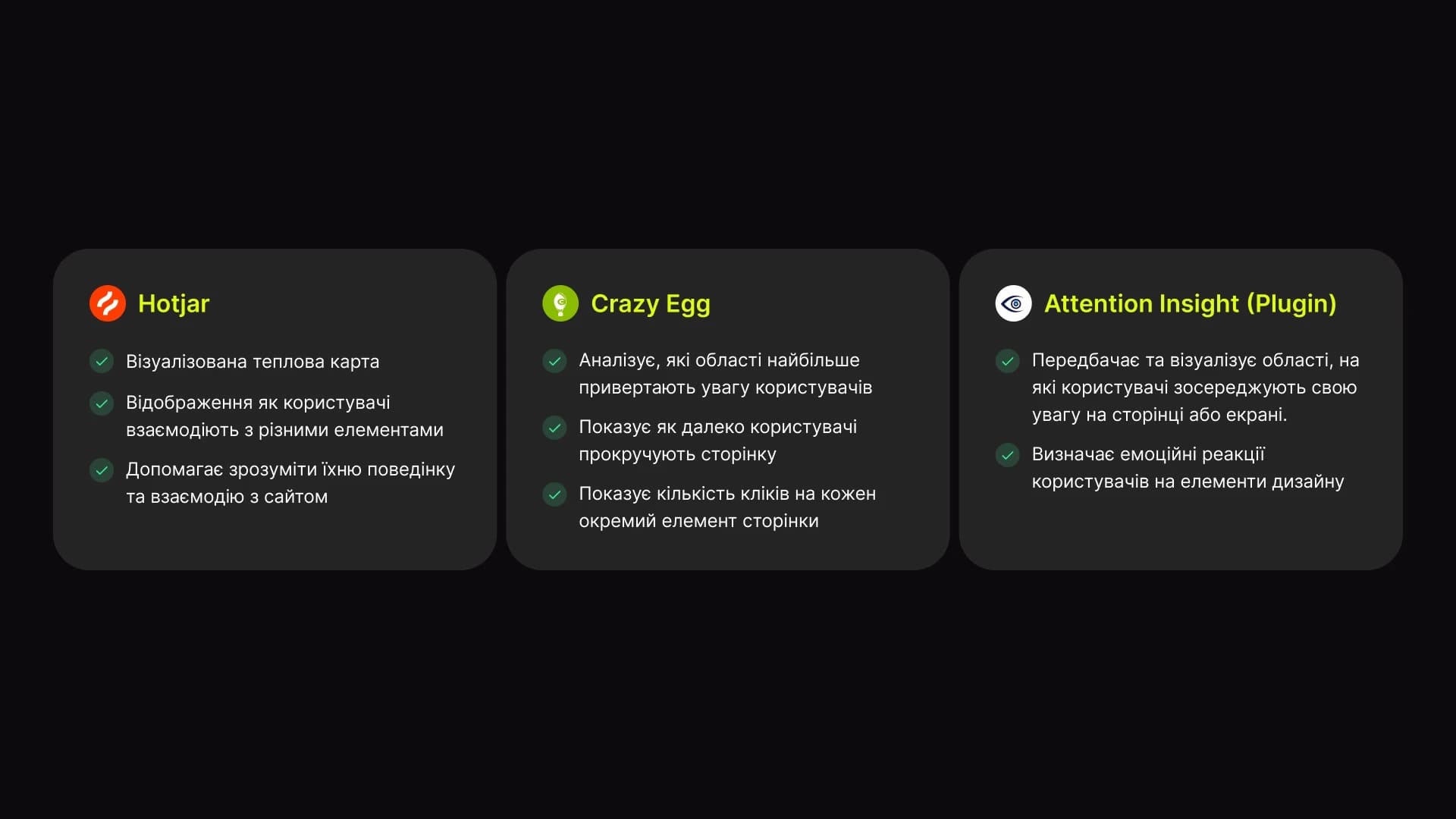
Hotjar — visual heatmaps that show how users interact with different elements. Helps understand user behavior and interaction patterns on a website.
Crazy Egg — analyzes which areas attract the most attention. Shows how far users scroll and how many clicks each individual page element receives.
Attention Insight — (plugin and web tool) predicts and visualizes the areas users focus on on a page or screen. Identifies users’ emotional reactions to design elements.
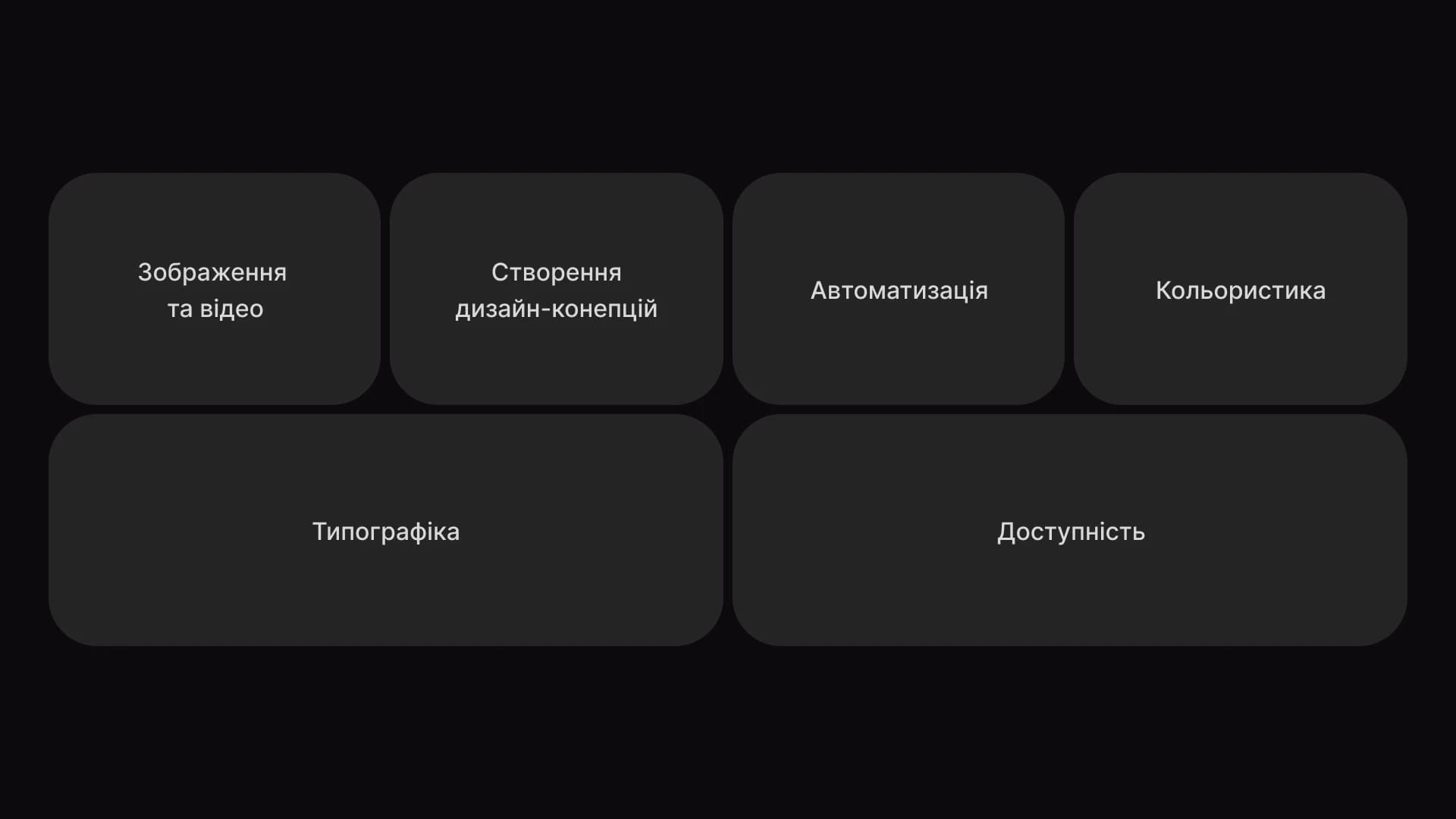
Using AI for concept generation, prototyping, and testing is an important step toward optimizing the design workflow. It allows designers to focus on strategic and creative aspects while delivering high-quality and efficient design solutions.
By freeing designers from monotonous tasks, AI enables them to invest their talent and energy into what truly matters—creating innovative, user-centered products.
This approach not only optimizes work processes but also ensures a high standard of UX design, which is essential for success in a world of intense digital competition and limited time and financial resources.
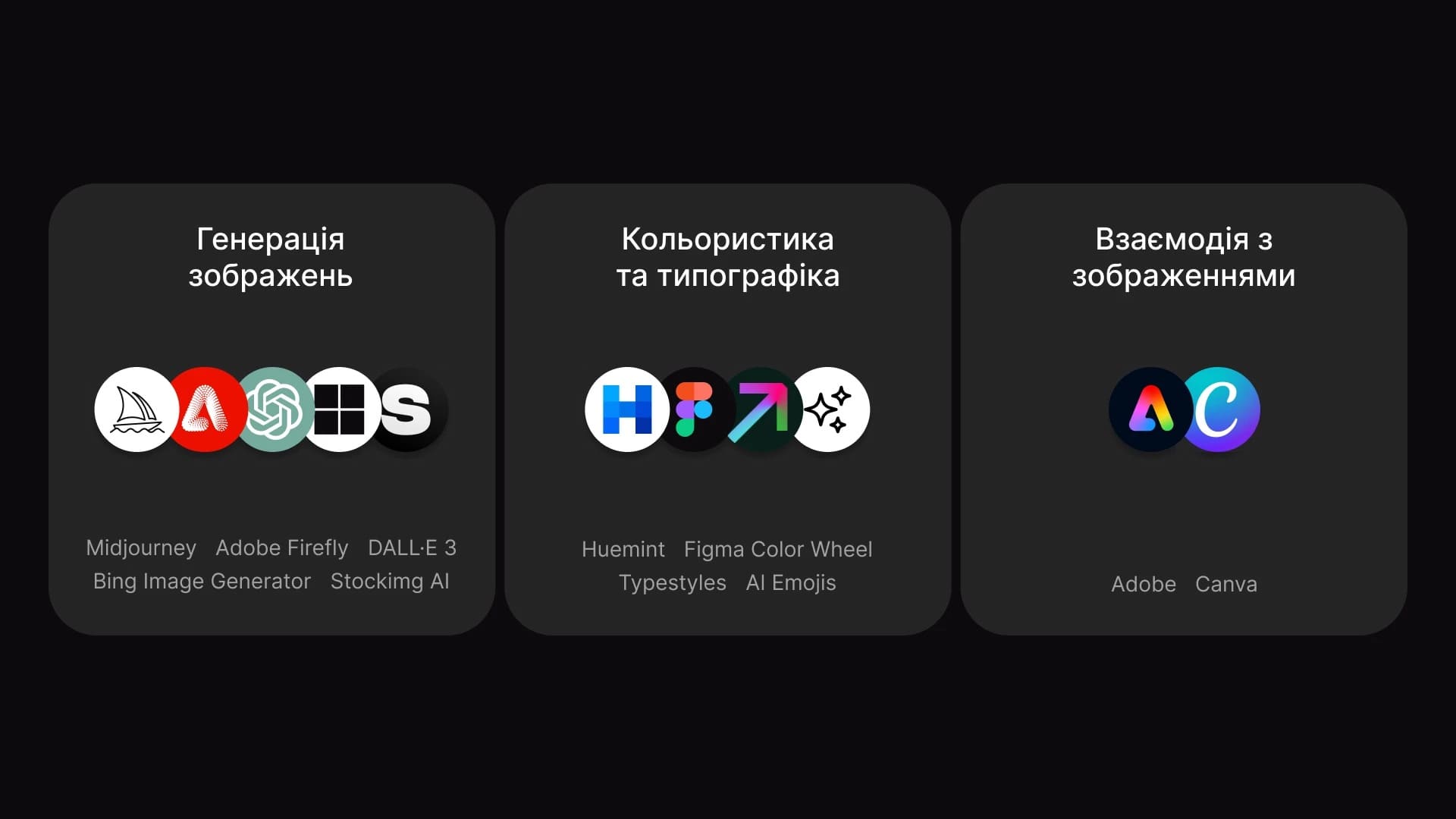
Midjourney, Adobe Firefly, DALL·E 3, Bing Image Generator, Stockimg AI
These are extremely powerful AI tools that help create truly unique visuals (and more). Why they are useful:
They can generate images for any purpose—from icons and product cards to CTA banners.
They can generate interface layouts for new applications or websites.
They allow designers to create and test design concepts in a very short time.
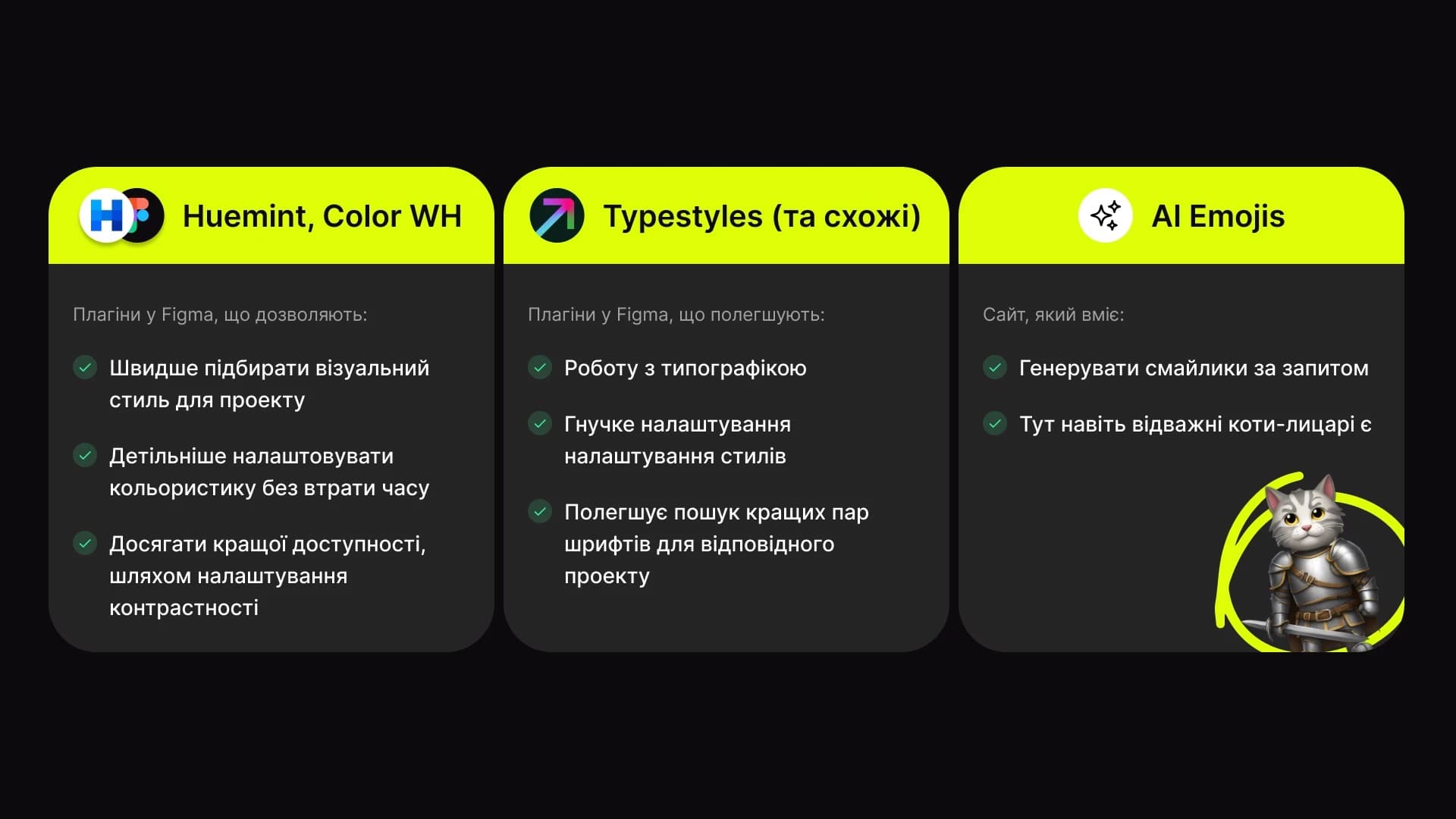
Huemint is a Figma plugin that allows you to:
Figma Color Wheel Typestyles (and similar) are Figma plugins that simplify:
AI Emojis
Adobe is a universal foundational tool that allows you to perform virtually any image manipulation.
Canva is a free online graphic design tool where you can create social media posts, presentations, posters, videos, and more.
Today, these two tools are more than enough to cover all essential image-related needs.
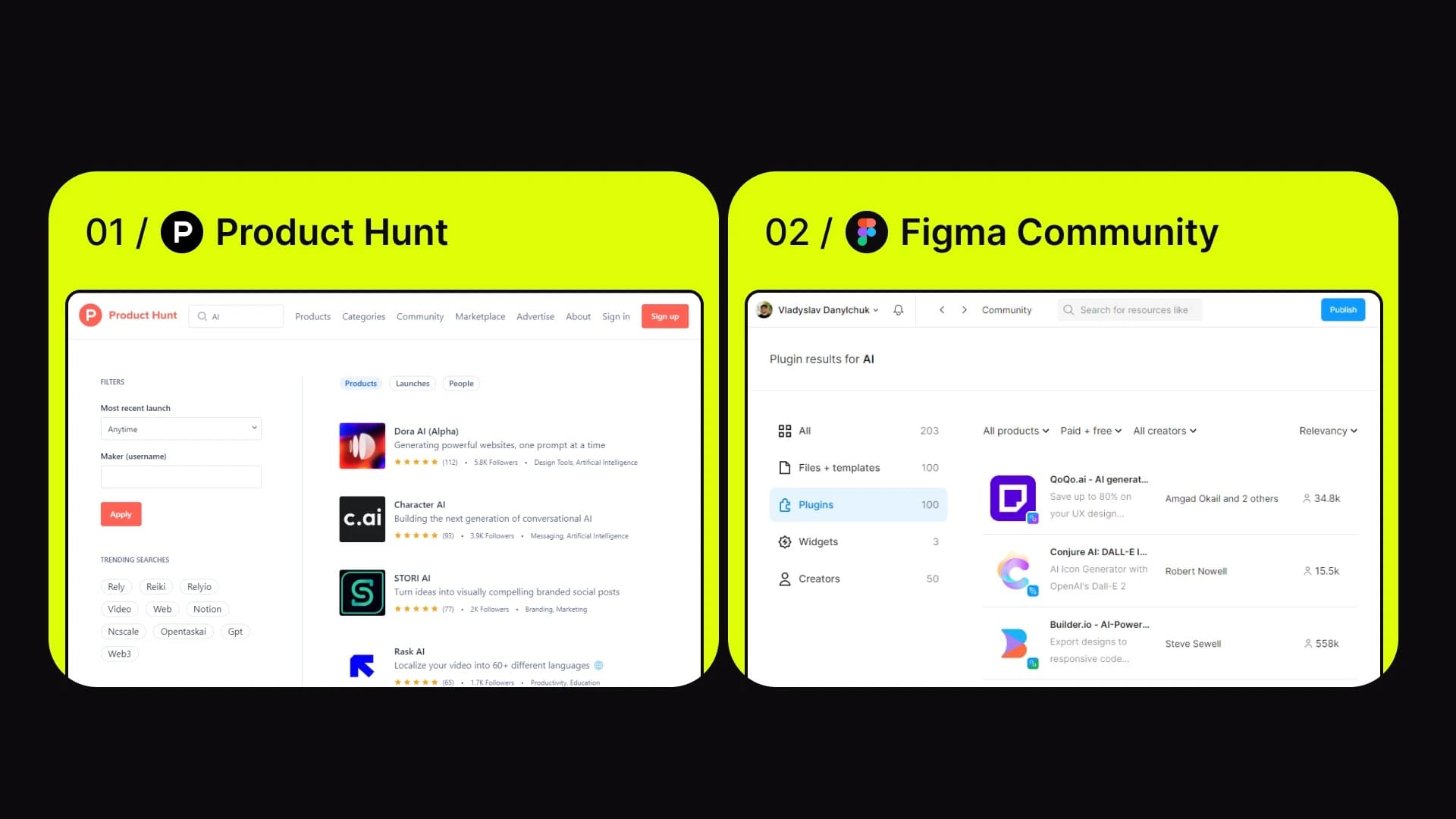
Artificial intelligence cannot replace human empathy.
Humans are beings who evolve through empathy and emotions. Emotional intelligence plays a crucial role in decision-making and user experience, allowing us not only to analyze information rationally but also to understand and account for important emotional and relational aspects.
AI is about computational efficiency, analytics, and automation—but not about unique creativity, intuition, or the ability to perceive emotional nuances.

AI can automate certain tasks such as prototyping, testing, and data analysis, but it cannot replace the creative process or the human understanding of user needs.
However, it can significantly change the role of UX/UI designers. AI is capable of automating most of the tasks that currently take up a large portion of designers’ time. By freeing us from routine work, it gives us more space for creativity and experimentation.
We hope this presentation was interesting and helped you better understand the importance of AI in today’s design world.
If you have any further questions or need a consultation, feel free to contact us.
We strive to be not only a source of information but also your reliable partner in the world of design and technology. Our team is ready to help you bring your ideas to life, grow your projects, and achieve great results together.
Thank you for your attention, and see you next time!